Attention
A Chrome extension that lets you trust people and rate posts on X, and shows your circle's judgment right where you read.
What it does on X
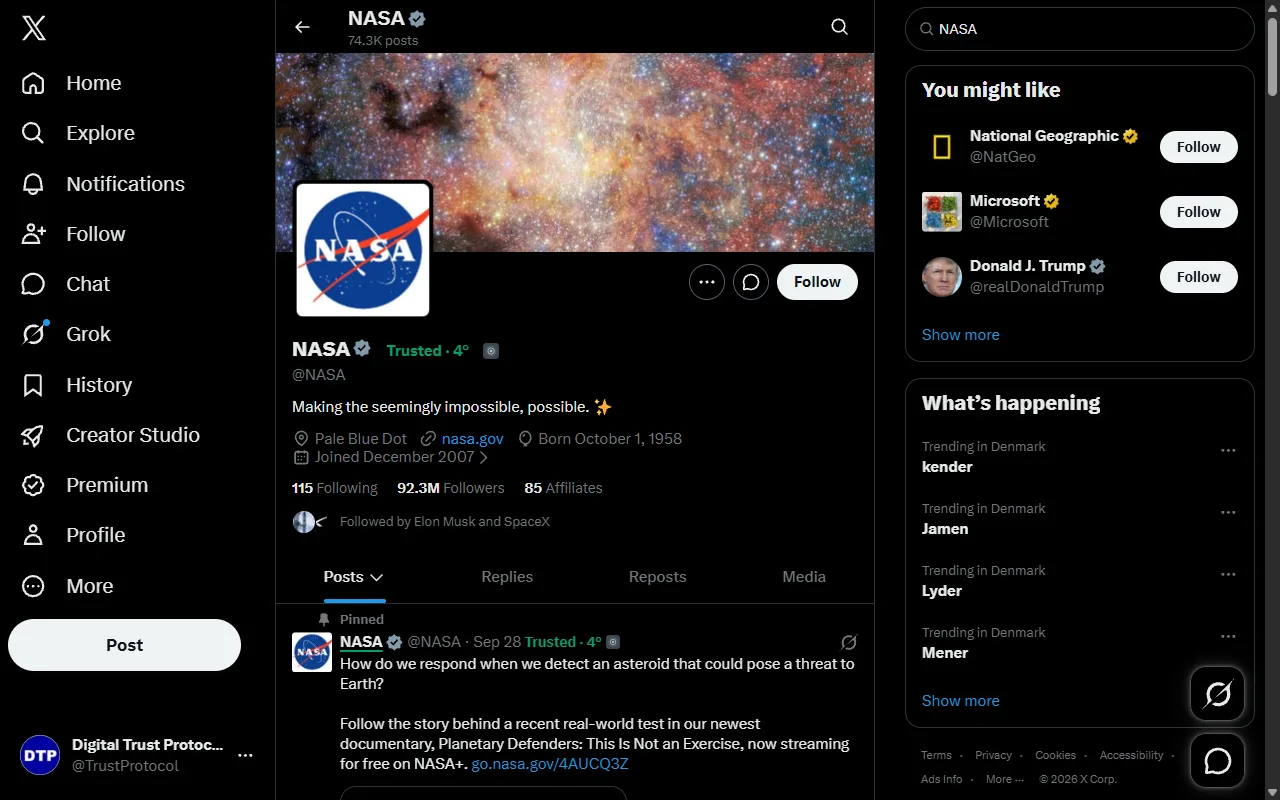
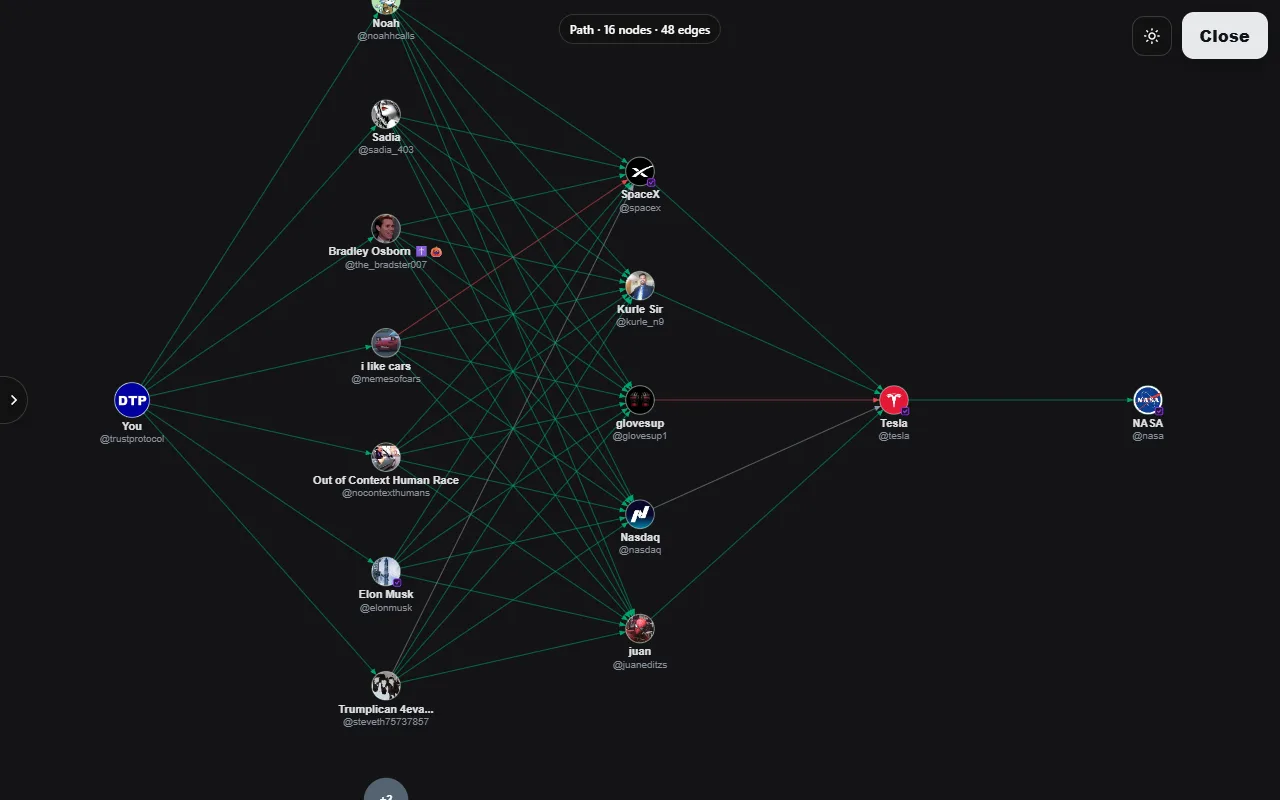
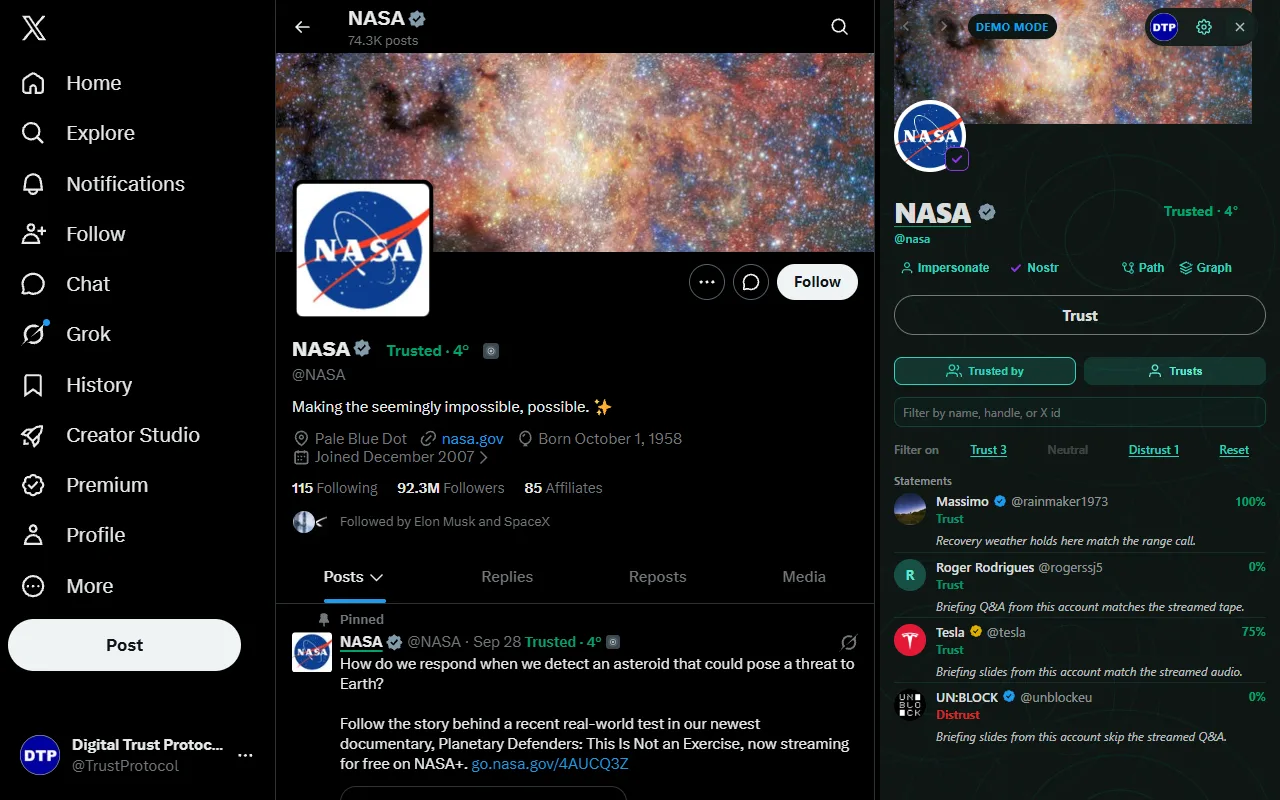
- Trust people. Mark an account as trusted, Neutral, or distrusted. On any profile you see whether your circle trusts them and how that trust reaches you.
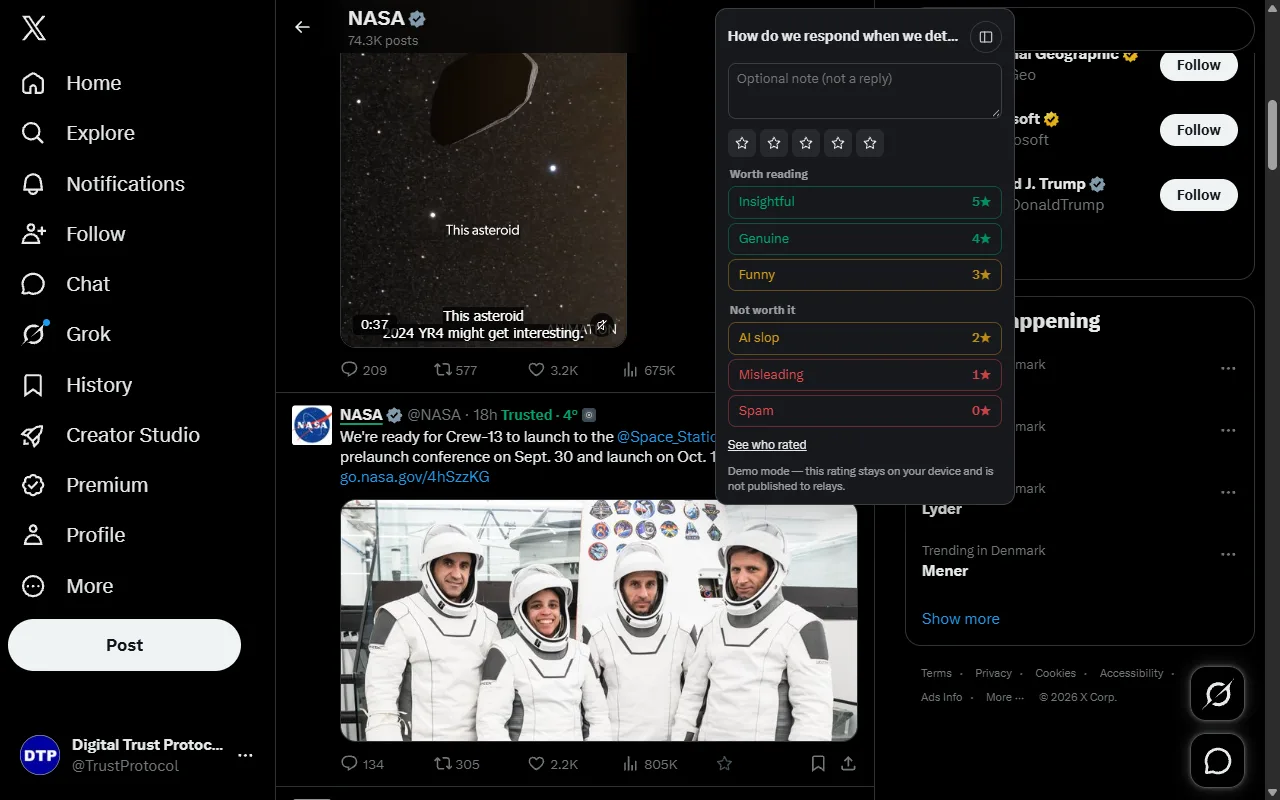
- Rate posts. One tap gives a post a rating, from worth reading down to spam, with optional labels and a short note.
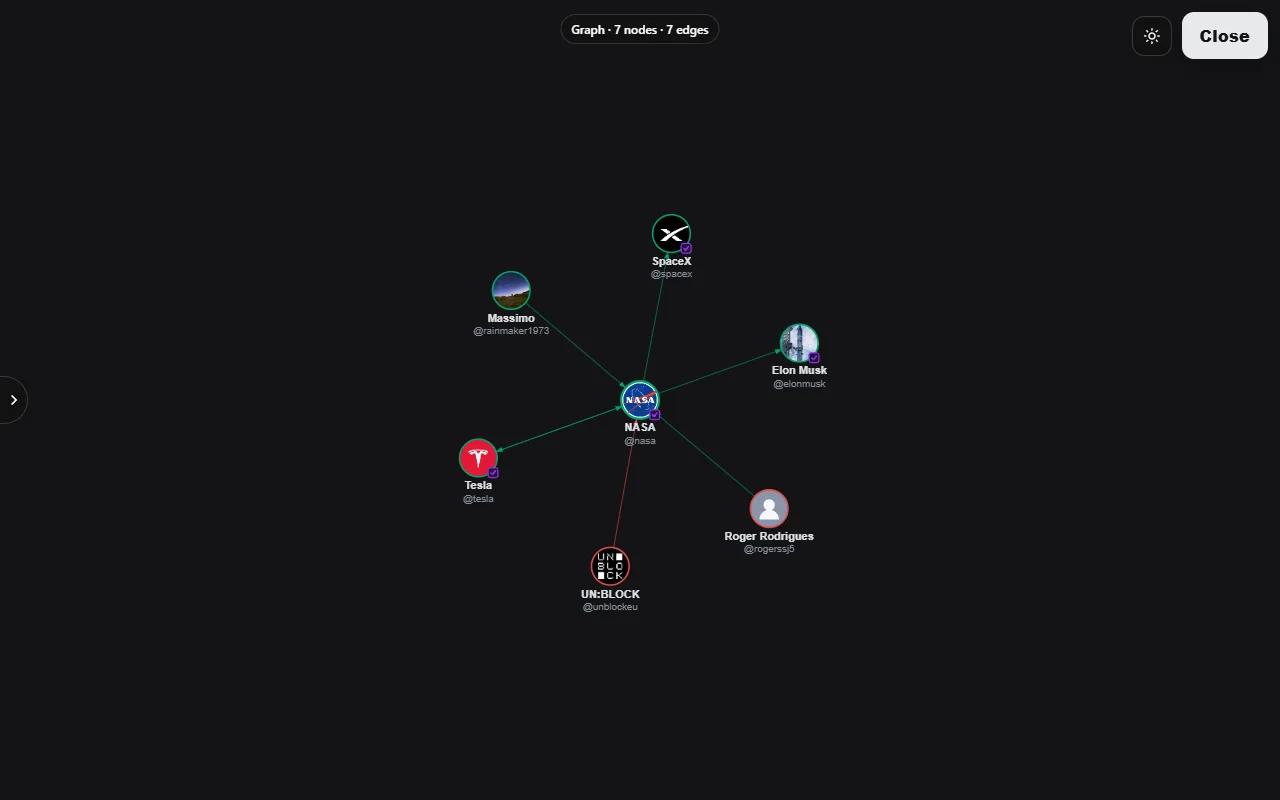
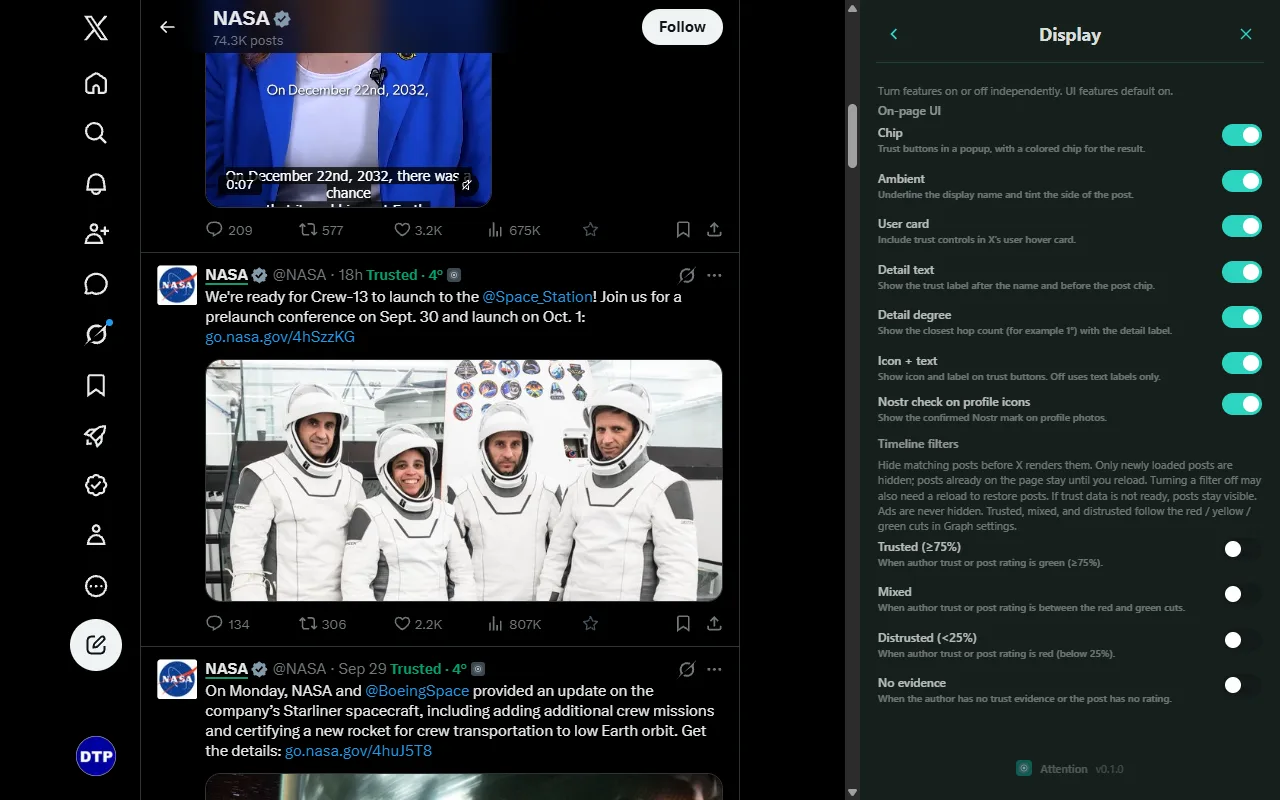
- See your circle's judgment in place. A small indicator next to names and posts shows the evidence from people you trust; the details and the path are a click away.
- Hide what misses your bar. Optional filters keep posts from distrusted or unrated authors out of your home timeline. Filters are off until you turn them on.
Privacy in short
- Attention reads public information that X already shows on the page: numeric account ids, handles, and post ids. From the public
twidcookie it keeps only your own numeric X id. - It never posts, likes, follows, deletes, or sends messages for you, and it does not search X.
- Your Nostr key lives in an encrypted vault inside the extension and never reaches the page or any server.
- There is no Attention server and no analytics. Data leaves your device only to the Nostr relays you choose and, for a few settings, Chrome Sync.
The full privacy policy lists every item.
Install
The Chrome Web Store listing is being prepared. Until it is public, you can build Attention from source:
- Install Node.js 22 or newer, clone BrowserExtension, and run
npm installandnpm run check. - Open
chrome://extensions, turn on Developer mode, choose Load unpacked, and select thedistfolder. - Open
x.comand follow the onboarding in the Attention side panel to create or import a key.
Try it with sample data
Demo mode fills Attention with a sample web of trust, so you can try every feature before you publish anything. Ratings and trust you give in demo mode stay on your device.
Questions
Answers to common questions are on the support page. Changes are tracked in the commit history.